Use the Equal Work-Rest Timer on workouts that require your rest period to be the same length as your work period.
See the example workout below for more info.
Example Workout
Equal Work-Rest Workout
- Do 4 sets of
- 8 Strict Pull-ups
- 8 Dumbbell Curls
- 8 Calories on the Air Bike
- Record the time it took to perform the round, rest for that same amount of time.
- e.g. - If it takes
1:14to complete the work in round 1, then your rest is1:14for round 1
- e.g. - If it takes
- Start your next round and record the time.
- If the second round takes
1:39to complete the work, then your rest for this round is1:39.
- If the second round takes
- Continue this cycle until all 4 sets are complete.
Setting up the Timer
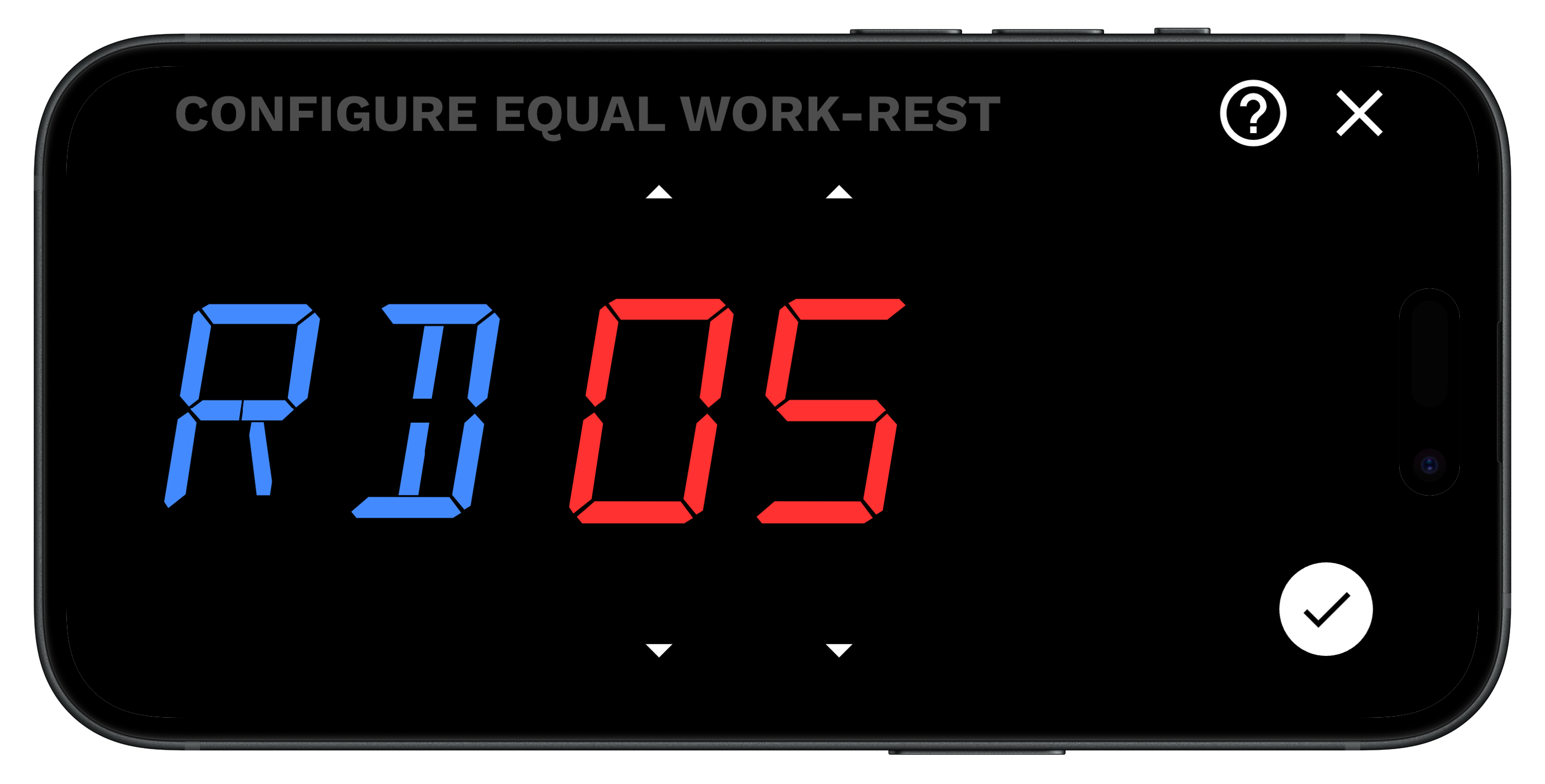
- Choose the number of rounds
- Start the timer and perform the work
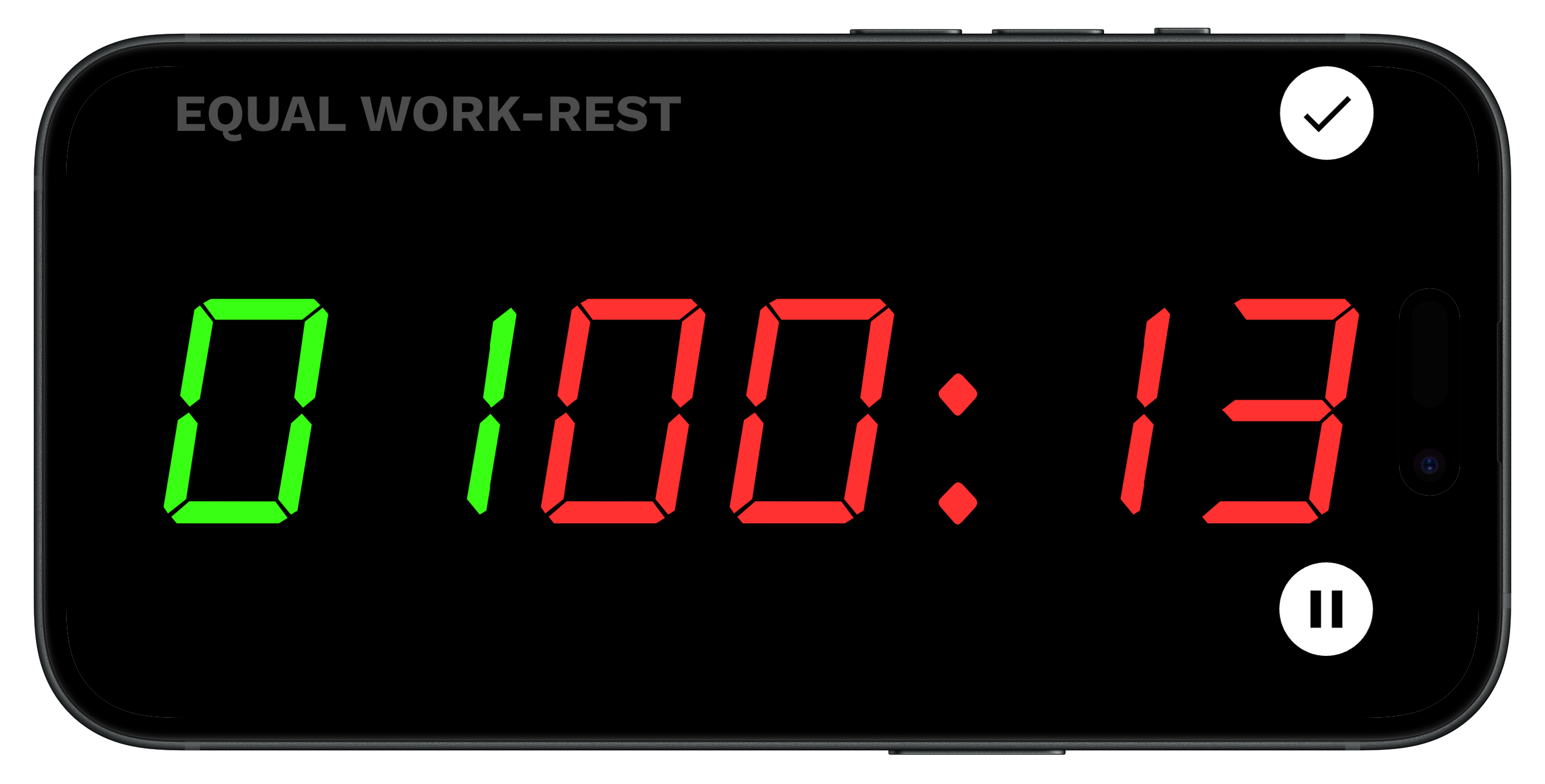
- When your work is complete, press the checkmark to complete your round and start your rest. This will start your rest time.
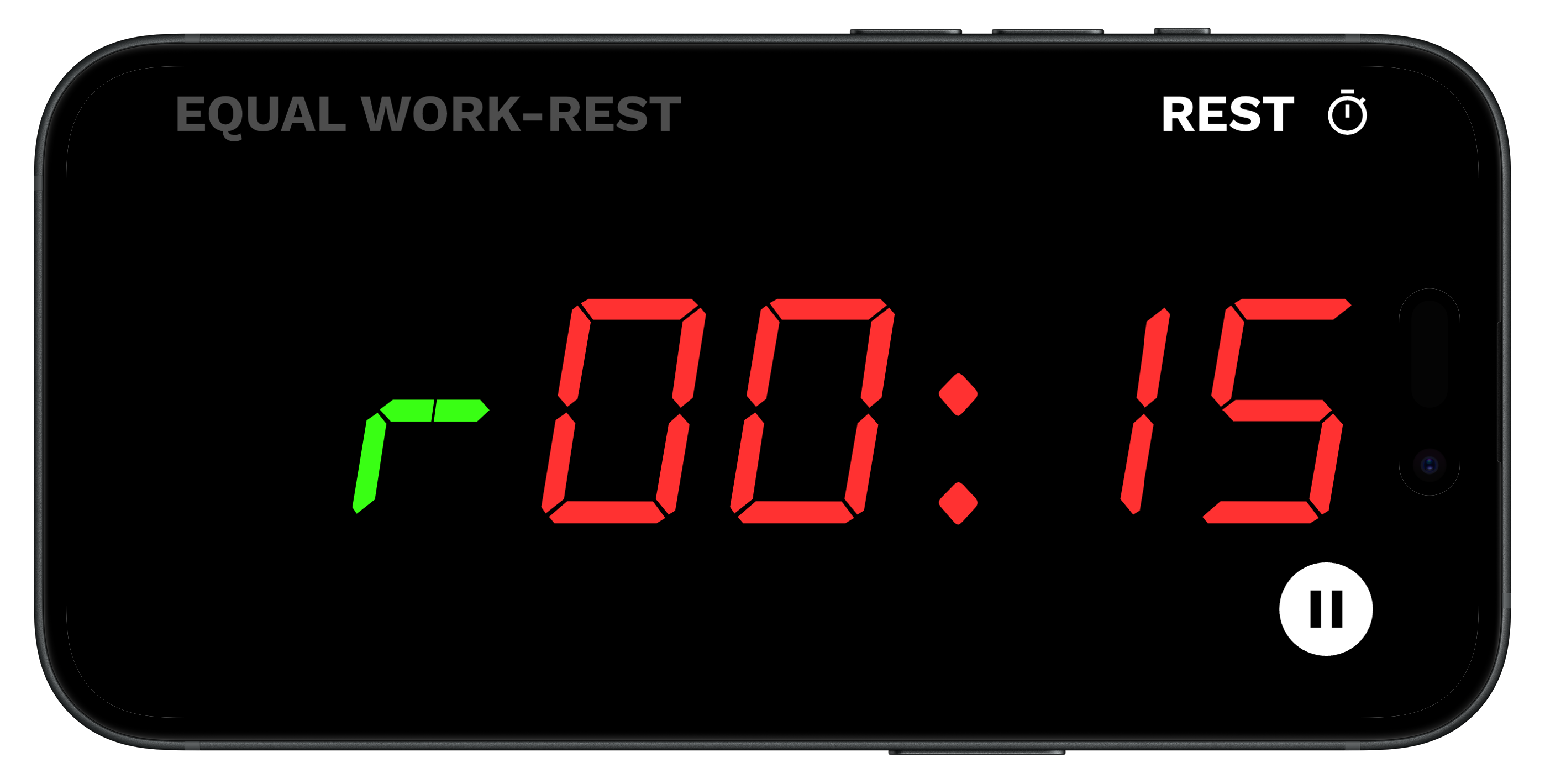
- Continue this process until all rounds are complete.
- When the workout completes it will show you your round split time and work time stats.