Usage
The Interval timer lets you build exactly the workout you want: set your own rounds, work periods, and rest periods, and choose whether the timer counts up (ascending) or down (descending). If a workout doesn’t fit one of ForTime’s pre-programmed timers, this is the one to reach for.
Setting up the Timer
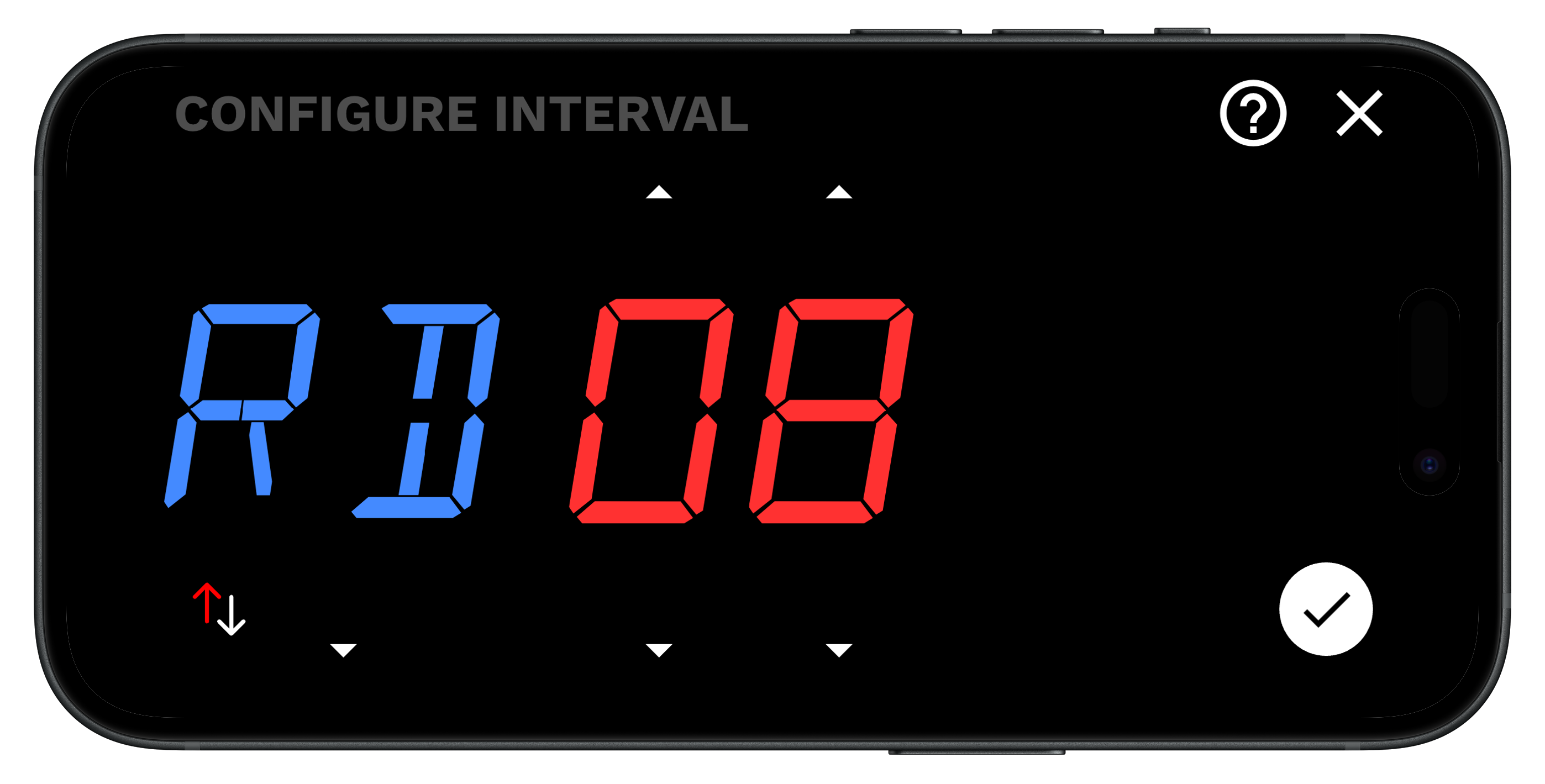
- Specify the rounds (RD)
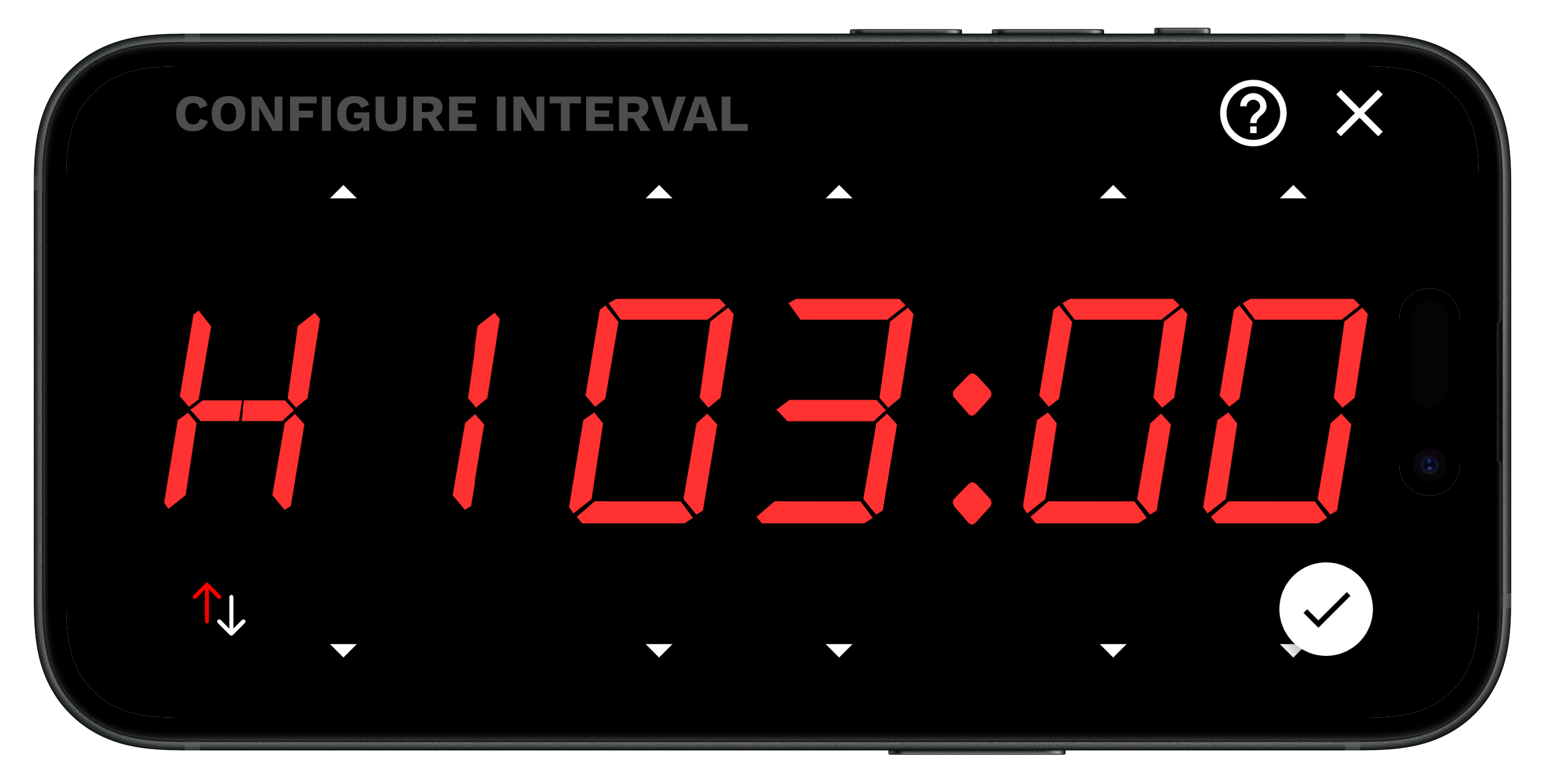
- Specify your work length (H1)
- Specify your rest length (H2). If it’s set to
00:00, the rest interval is skipped.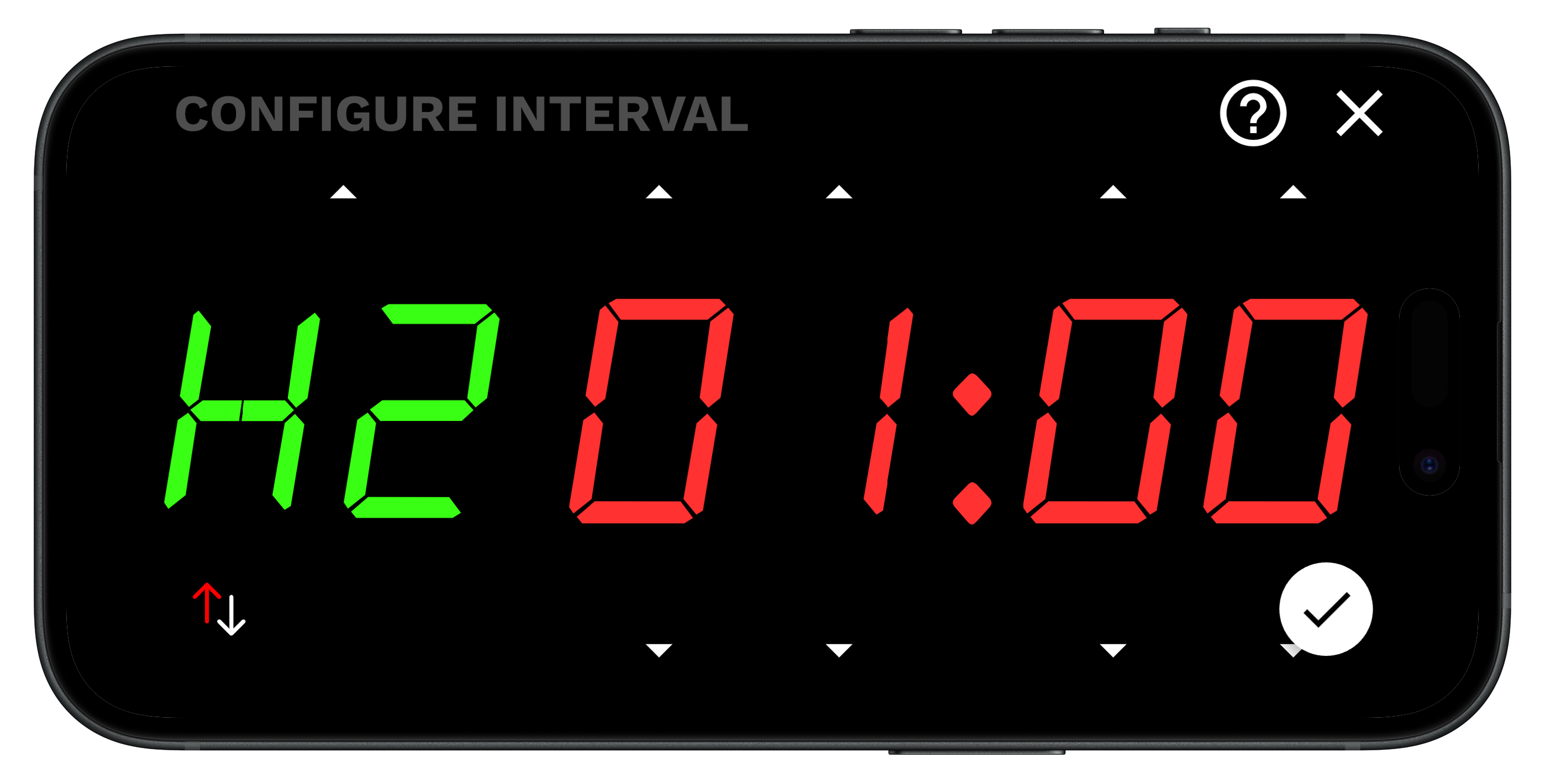
- Specify ascending vs descending by pressing the up/down arrows. The red arrow specifies the direction of the counting (ascending vs descending).
- Press the checkmark to confirm.
- Start the workout.
- Perform the work during the first interval (H1):
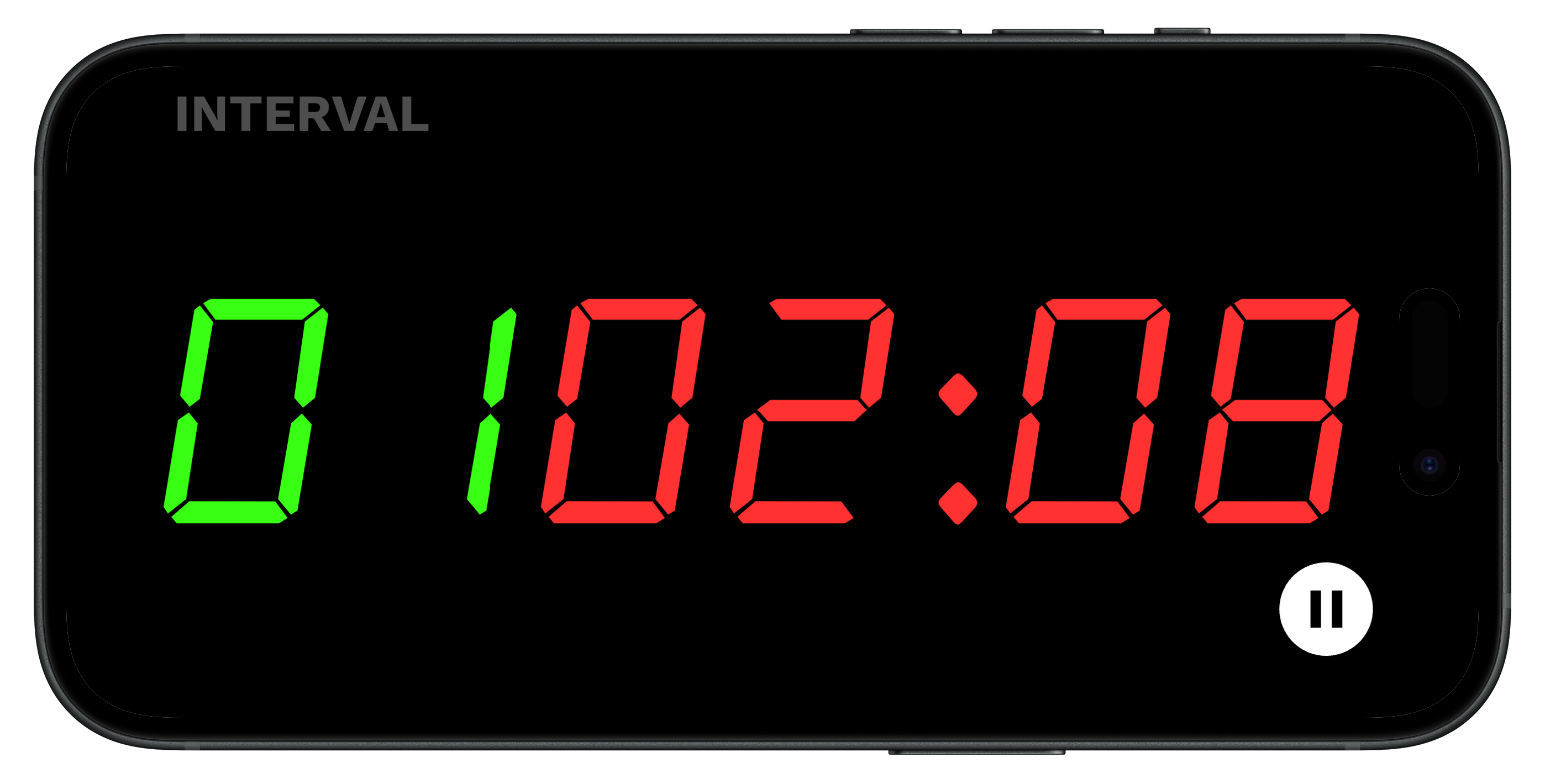
- Perform your rest during the rest period (H2):
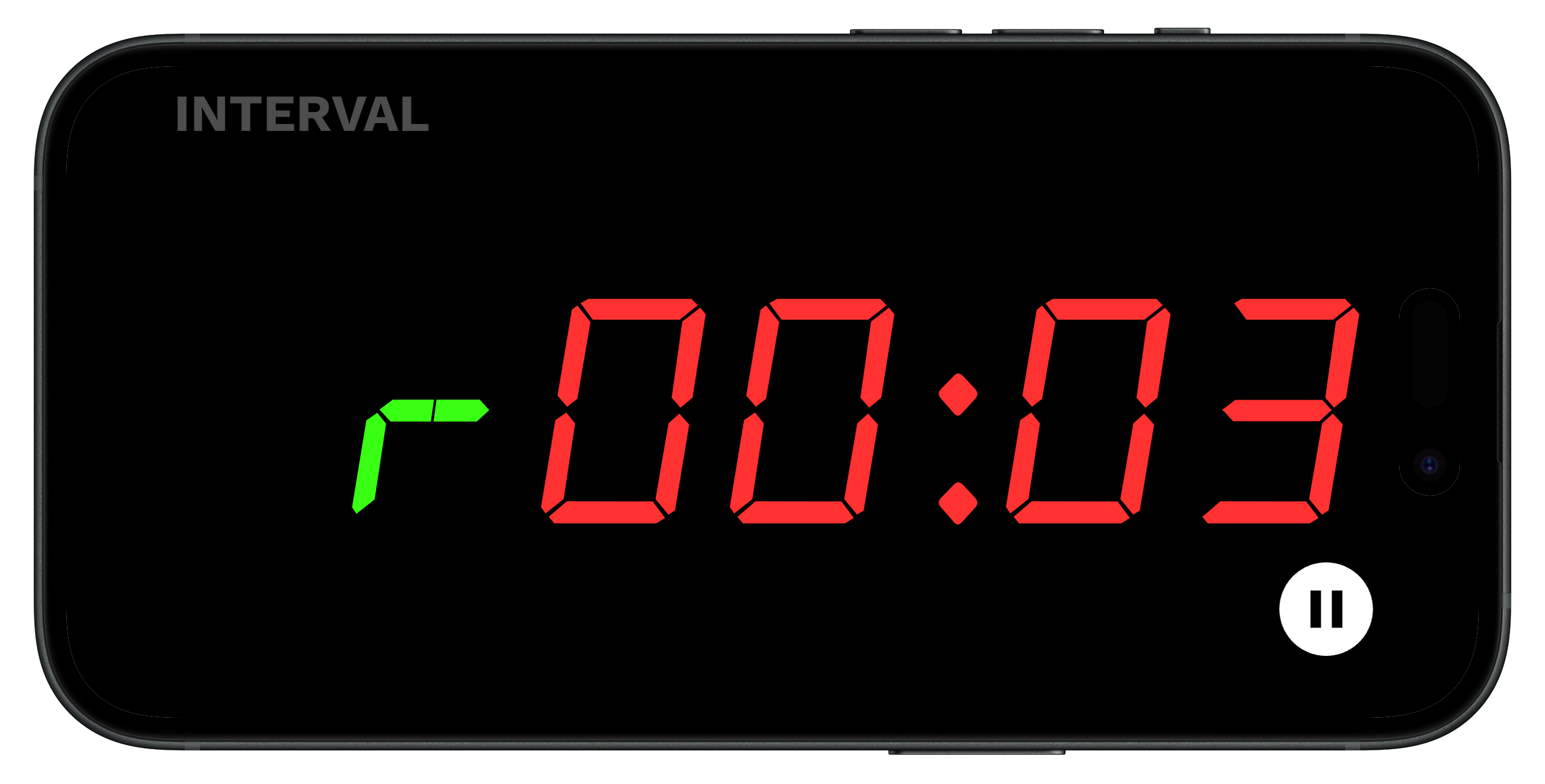
- Repeat until intervals and workout are complete.