Setting up the Timer
Set up the Tabata timer by selecting the Tabata timer option.
A classic Tabata consists of:
- 20 seconds of maximum effort exercise
- 10 seconds of rest
- Repeated 8 times
- Total duration: 4 minutes
An example of this might be “Tabata Air Squats” where you do air squats for 20 seconds, then rest for 10 seconds and repeat for 8 rounds.
Here’s how you set up the timer.
-
Start the Tabata timer
-
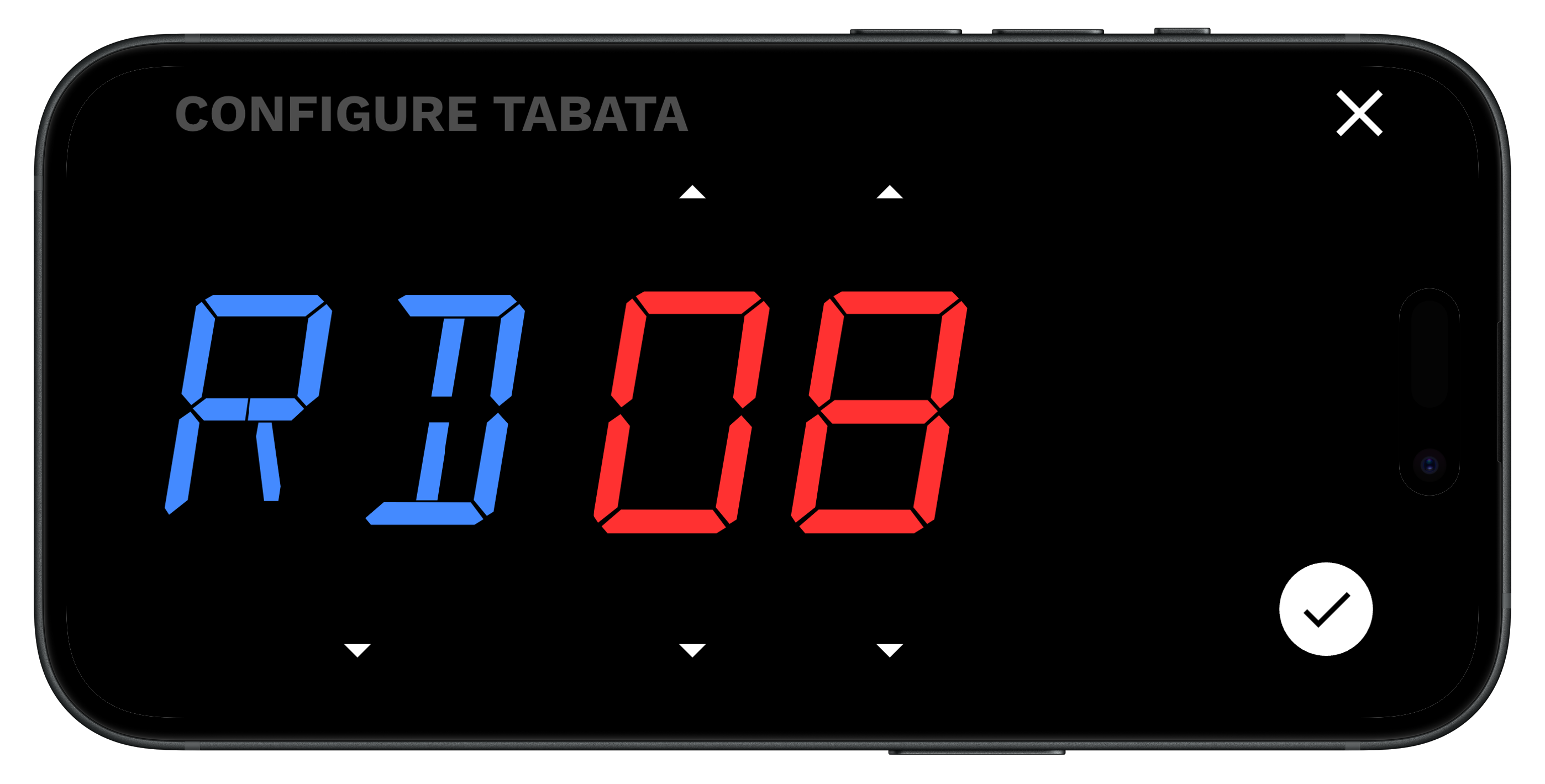
Select the number of rounds (RD). A typical tabata is 8 rounds, which is what the timer defaults to.
- If you want to do a double tabata, you’d set it to 16 rounds.
-
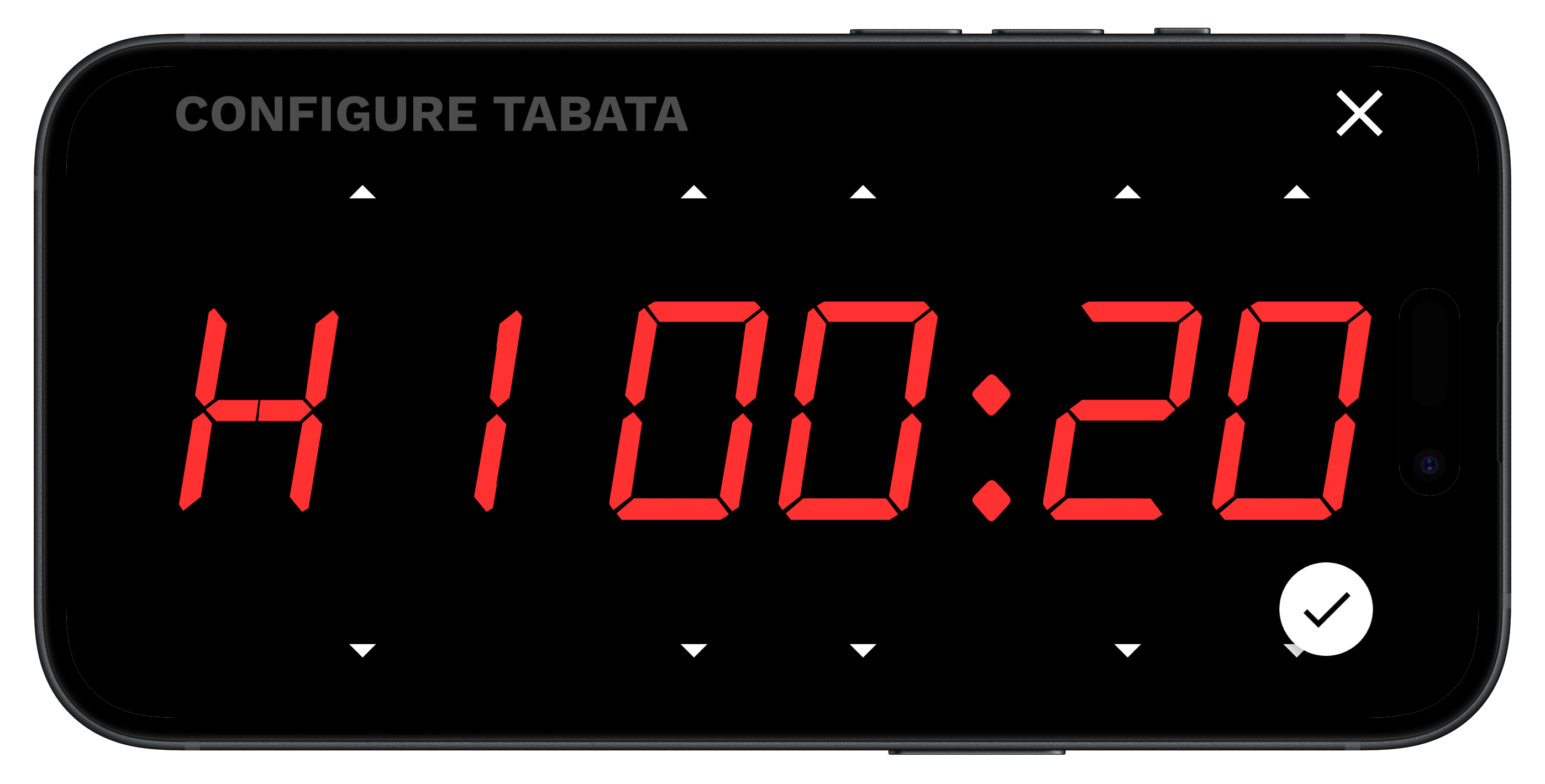
Set the work time (H1). The default is 00:20 seconds.
-
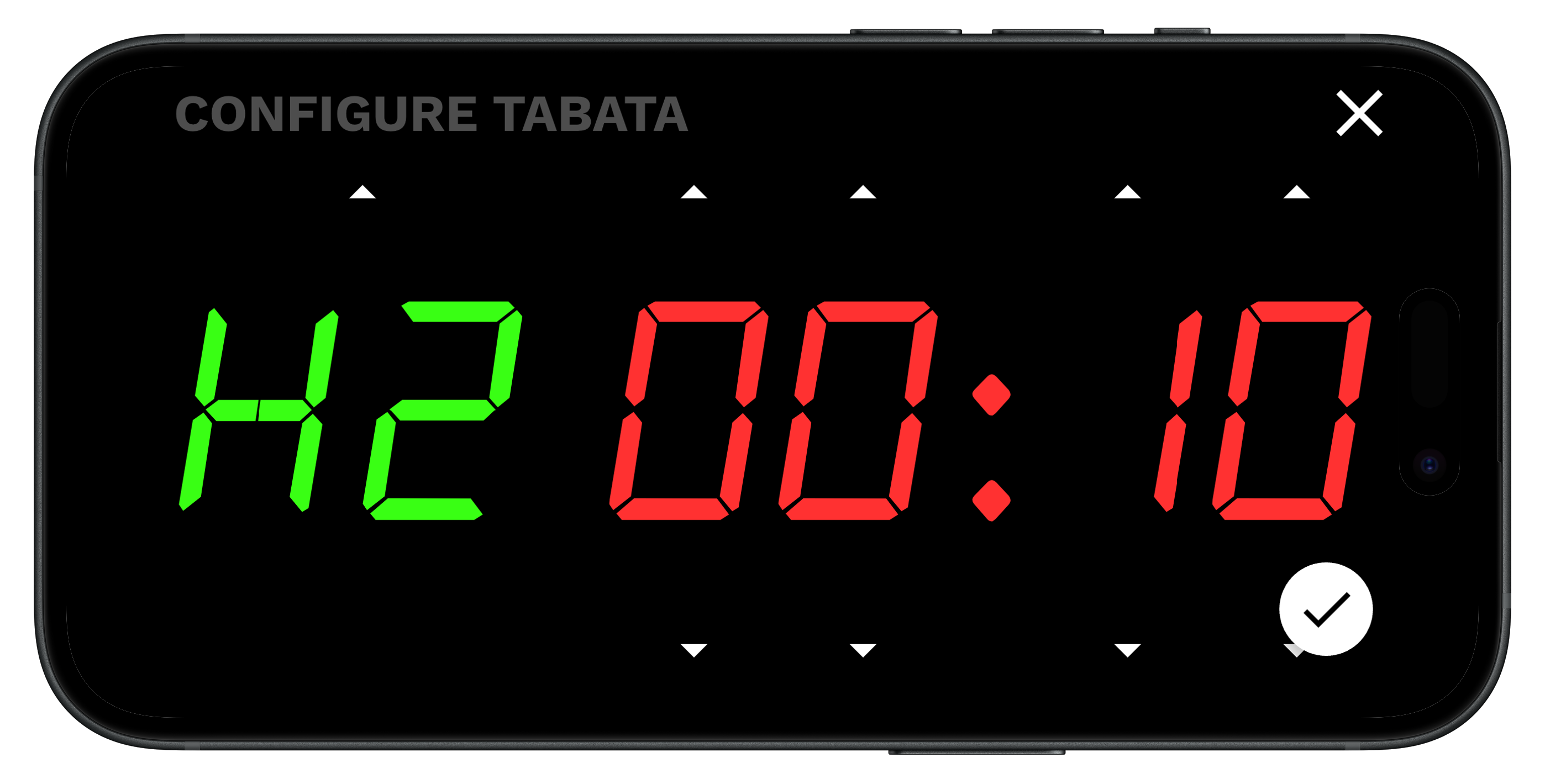
Set the rest time (H2). The default is 00:10 seconds.
-
Press the done checkmark and you’ll be given a 00:10 second countdown. As soon as you press play the countdown will begin. You’ll hear an audible beep at 3, 2, 1 and 0.
-
Perform the work until the 20 seconds is over, then rest for 10 seconds. Repeat 8 times.